



Use only letters (A–Z, a–z), dashes (-), and underscores ( _ ) in file and folder names. Spaces usually work on your computer, but can cause problems on the web and in URLs.
You may do all your work on a single computer or platform (for example, Mac vs. PC), but your files will almost certainly be viewed, shared, or processed on many different systems, including Macs, PCs, Linux machines, and web servers. Because each operating system handles file names differently, it’s best to avoid certain characters that can break links, cause upload errors, or behave unpredictably across platforms.
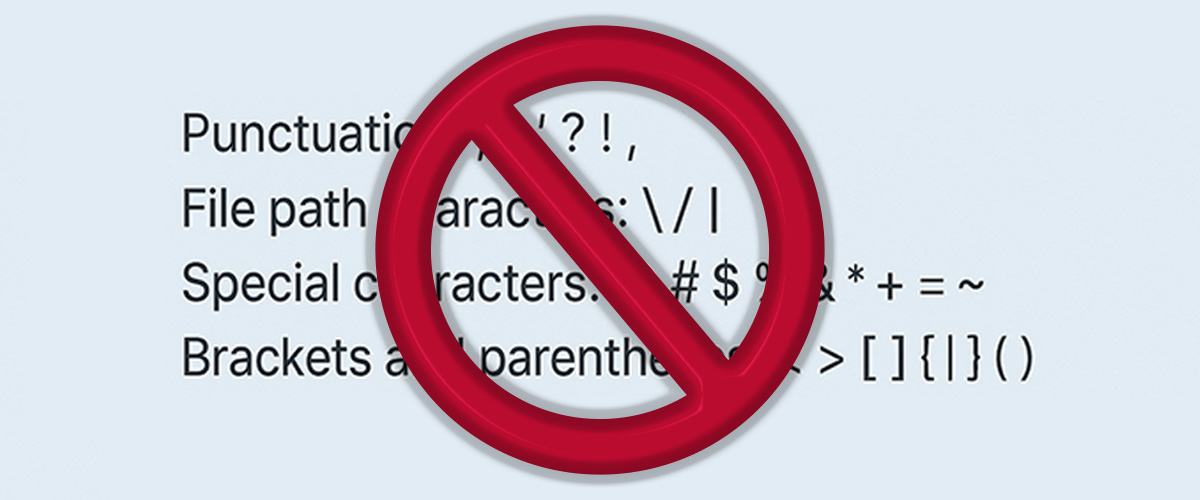
Punctuation; : ' ? ! , .
(Avoid using a period except to separate the file extension.)
File path characters / |
These characters separate folder paths and URLs.
Special characters@ # $ % & * + = ~
These can cause issues in scripts, command-line operations, and web-based systems.
Brackets and parentheses (reserved by many coding languages and frameworks)< > [ ] { } ( )
Spaces
Avoid using spaces in filenames when possible—especially at the beginning or end. Spaces often get replaced with %20 in URLs and can cause issues in automated workflows.
If you need separation, use the safe options below.
Dash -
Underscore _
Letters (A–Z, a–z)
Numbers (0–9)
These characters are universally supported and won’t cause trouble when moving files between systems, sharing them online, or using them in scripts or codebases.
Additional Resources:
https://www.mtu.edu/umc/services/websites/writing/characters-avoid/